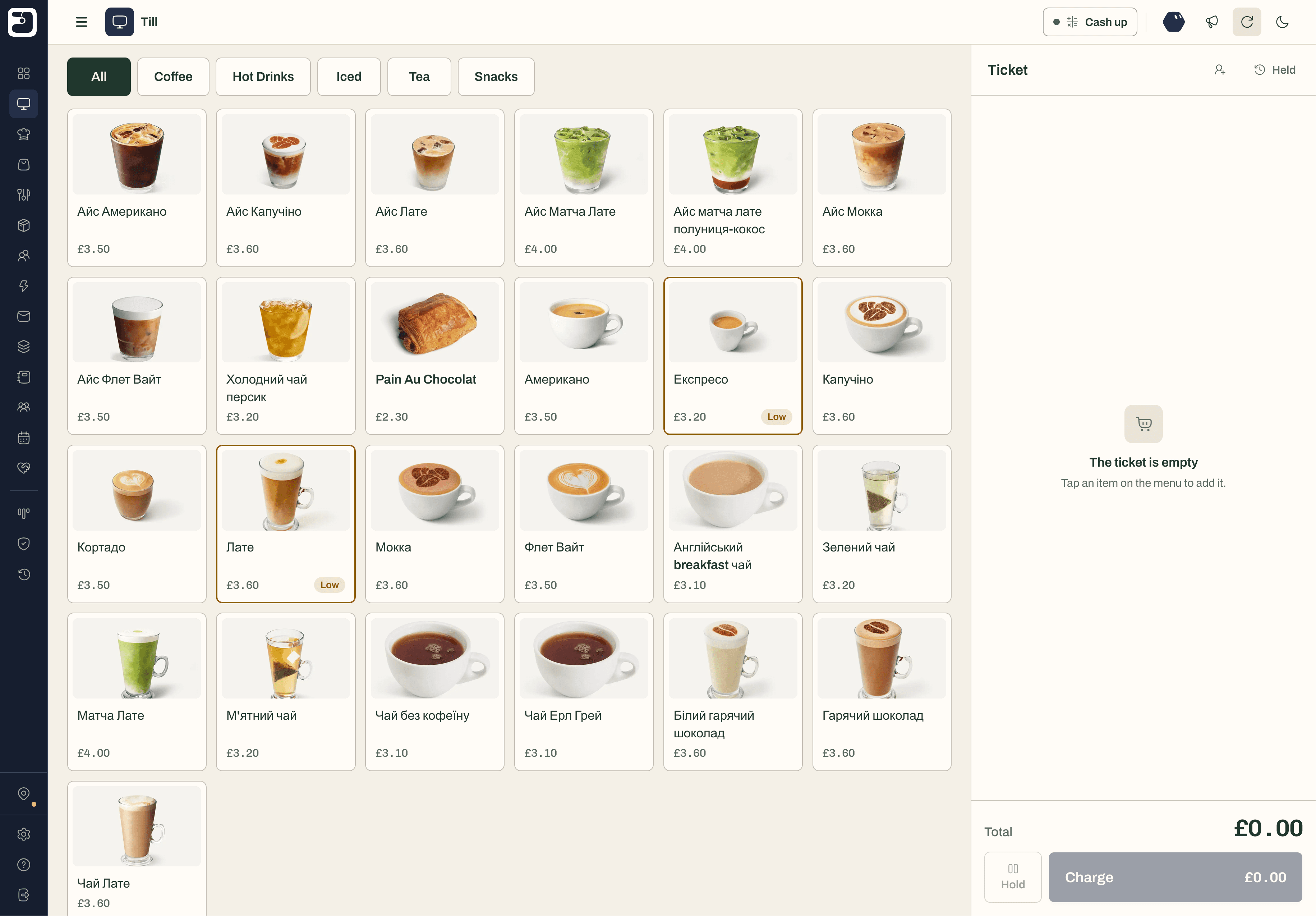
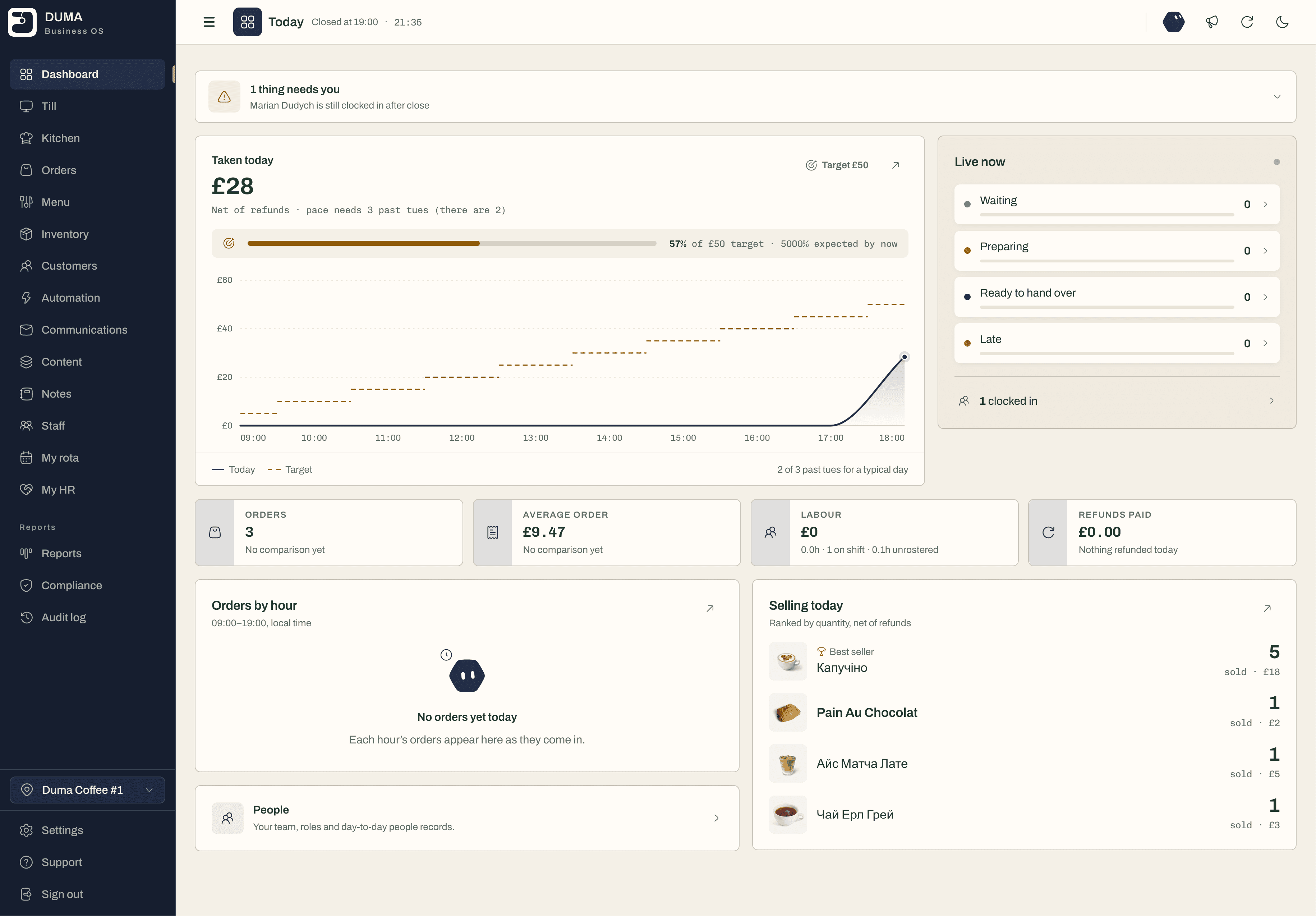
Add a recipe once. DUMA costs it from your ingredients, takes VAT out of the price if you’re registered, and shows the margin you really keep — on the menu, in the reports and on every sale.
An example recipe for a VAT-registered café, worked out by DUMA’s own costing.
Five things that quietly cost a café money
1
Pricing the menu by feel.
Without a recipe cost behind each dish, a price rise on milk or butter quietly eats the margin. DUMA costs every dish from its ingredients and takes VAT out, so you see what you actually keep.
2
Paying for a different app for every job.
A till app, a rota app, a booking app, an email tool and a spreadsheet for stock — five bills and five logins that never agree. DUMA is one workspace and one bill, with a free plan to start on.
3
Writing the rota in a group chat.
Shifts get missed and nobody can see what staff cost against the day’s takings. In DUMA the team sees the rota on their phone, clocks in there, and labour cost sits next to sales.
4
Finding out you’re out of oat milk at 8am.
Stock counted on paper is wrong by the morning rush. Every DUMA sale takes its share off what’s on hand, low items are flagged, and deliveries are checked in against the order you sent.
5
Letting the till stop when the Wi-Fi does.
A dropped connection shouldn’t mean a queue out of the door. The DUMA till keeps taking orders offline and sends them when the connection is back — nothing is thrown away.
How DUMA runs a café
One workspace for the counter, the kitchen and the back office: a till that never stops, a screen for the kitchen, recipes with real margin, stock that counts itself down, rotas on your team’s phones and a reason for regulars to come back.
* free in full means it stays free with no limits. The names and figures in these cards are examples.
free in full
A till that works offline
Sell on any tablet or phone. When the Wi-Fi drops, orders queue on the device and send themselves when it’s back.
Offline — 2 orders waiting to send
Order 1043Saved on this device
Order 1042Saved on this device
Order 1041Sent
included
Kitchen screen
Every order lands on a screen in the kitchen — new, preparing, ready — whether it came from the till or a QR code.
New
#520:402 × Flat white, 1 × Banana bread
Preparing
#514:12Full breakfast, Latte
#505:033 × Croissant
Ready
#496:30Iced mocha
free in full
Recipes and margin
Cost each dish from its ingredients and see what you keep after VAT, on the menu and in the reports.
Oat flat white
£3.60
Espresso, double shot 18 g
£0.34
Oat milk 180 ml
£0.27
Cup, lid and sleeve 1
£0.14
VAT in the price (20%)
£0.60
You keep
£2.2575% margin
free in full
Rotas and time
Your team sees the rota on their phone, clocks in there and asks for leave there — with staff cost next to sales.
MonTueWedThuFri
Amira07–1507–1507–1507–15
Josh12–2012–2012–20
Lena10–1607–1510–18
Staff cost this week 24% of takings
free in full
Stock
Every sale takes its share off what’s on hand. Low items are flagged; deliveries are checked in against the order.
Oat milk4 L
Espresso beans2.1 kg
Almond croissants6
Takeaway cups 12oz310
included
QR ordering
Customers scan, order and pay from their own phone, and the order goes straight to the kitchen screen.
Bridge Street Café
Order and pay from your phone
Flat white£3.40
Banana bread£2.90
Pay £6.30
included
Customers and loyalty
Every visit builds the customer’s profile. Stamp cards and points reward the regulars; email reaches only those who opted in.
Priya Shah
4 visits · usually a chai latte
Sam Taylor
12 visits · usually an oat flat white
Loyalty
One more visit unlocks a free drink
Four things cafés do with DUMA every week
Whether you run a coffee shop, a bakery, a restaurant or a food truck, these are the jobs DUMA takes off your evenings.
Start with the one you need most. The rest is already in the same workspace, with nothing to move when you’re ready.
Price the menu with confidence
See the margin on every dish and drink, VAT included, and spot the ones that cost more to make than they should before you reprint the menu.
Staff the rush, not the quiet hour
See staff cost against takings, and today against a typical same weekday, then move shifts to where the customers actually are.
Never run out mid-service
Low-stock items are flagged as you sell. Order from your suppliers, check the delivery in, and record waste so the numbers stay true.
Bring the regulars back
Every visit builds the customer’s profile. A stamp card or points reward the regulars, and email reaches only the people who opted in.
What café software should do, and how to set it up
Café software should connect what happens at the counter to what happens in the kitchen, the stockroom and the bank. If you only look at the till, you can’t see the margin. If you only look at the margin, you can’t see the rota eating it.
How to set up DUMA in a café
1
Tell DUMA what you run.
Café, bakery, restaurant, bar or food truck — answer a few questions at sign-up and DUMA switches on the parts that fit.
2
Bring in your menu and team.
Add your dishes, recipes and prices, and invite your staff with the roles they need. We’ll help you do it, for free.
3
Open the till.
Use any tablet or phone, keep your card machine, and take your first order. Every sale updates stock, customers and reports from then on.
Café numbers worth watching
Margin per dish
What each item makes after ingredients and VAT. The number that tells you what to promote and what to reprice.
Takings against a typical day
Today compared with the same weekday in past weeks, so a slow Tuesday is told apart from a bad one.
Staff cost against takings
Labour as a share of sales. The quickest sign the rota and the trade are out of step.
Top sellers
What sold, by quantity and value. Useful for the menu, the specials board and the stock order.
Waste and losses
Logged spoilage and breakage, so stock and margin reflect what really left the kitchen.
Average order
What a typical order is worth. Up-sells and bundles show here first.
A card-reader app, separate apps, or one system
Three ways most cafés run. Here is what each one covers.
A card-reader till app
Good at taking payments. Most of the rest is an add-on, or lives somewhere else.
Till and paymentsCovered
Stock and recipe marginOften an add-onPartly covered
Rotas and clock-insNot covered
Loyalty and emailOften an add-onPartly covered
Everything in one placeNot covered
Best forTaking payments, and not much more
Separate apps for each job
Each tool can be strong on its own, but none of them share data.
Till and paymentsOne appCovered
Stock and recipe marginAnother appCovered
Rotas and clock-insAnother appCovered
Loyalty and emailTwo more appsCovered
Everything in one placeNumbers copied between appsNot covered
Best forTeams happy to run several logins and bills
DUMA
Till, kitchen screen, recipes and margin, stock, rotas, customers and reports in one workspace.
Till and paymentsKeep your card machineCovered
Stock and recipe marginVAT-awareCovered
Rotas and clock-insCovered
Loyalty and emailCovered
Everything in one placeOne login, one billCovered
Best forCafés that want one place and one bill — free to start
Yes, whichever you have. Square and SumUp connect to DUMA directly. With any other card machine, staff key the amount into it and mark the sale as card in DUMA — it still lands in your reports, and it works offline too. Card fees are charged by your card machine provider, not by DUMA.
What happens if the Wi-Fi goes down mid-rush?
The till keeps taking orders. They are saved on the device and sent when the connection is back, and a sale that cannot be sent is kept for you to check rather than thrown away.
Can customers order from their phone?
Yes. Put your QR code on the tables or the counter; customers open your menu on their phone, order and pay, and the order arrives on the kitchen screen.
How does DUMA work out the margin on a dish?
Add a recipe with the ingredients and what each costs. DUMA takes VAT out of the price if you are VAT-registered, then subtracts the ingredients, so the margin is what you actually keep.
Do I need a receipt printer or cash drawer?
Not to start. Receipts print from the browser today, and dedicated receipt printer and cash drawer support is coming soon.
Can you help me set it up?
Yes, for free. We help you bring in your menu, recipes, team and settings so you can open on DUMA quickly.
The one place to run your café.One simple bill, or none at all.
Get started in minutes, completely free. No card required, and we’re here to help you every step of the way.