free in full
Stock by size and colour
Every variant has its own count, per location. Low sizes are flagged as you sell.
Linen overshirt
Shop + online
XSSMLXL
Oat381260
Forest04972
Black51114104
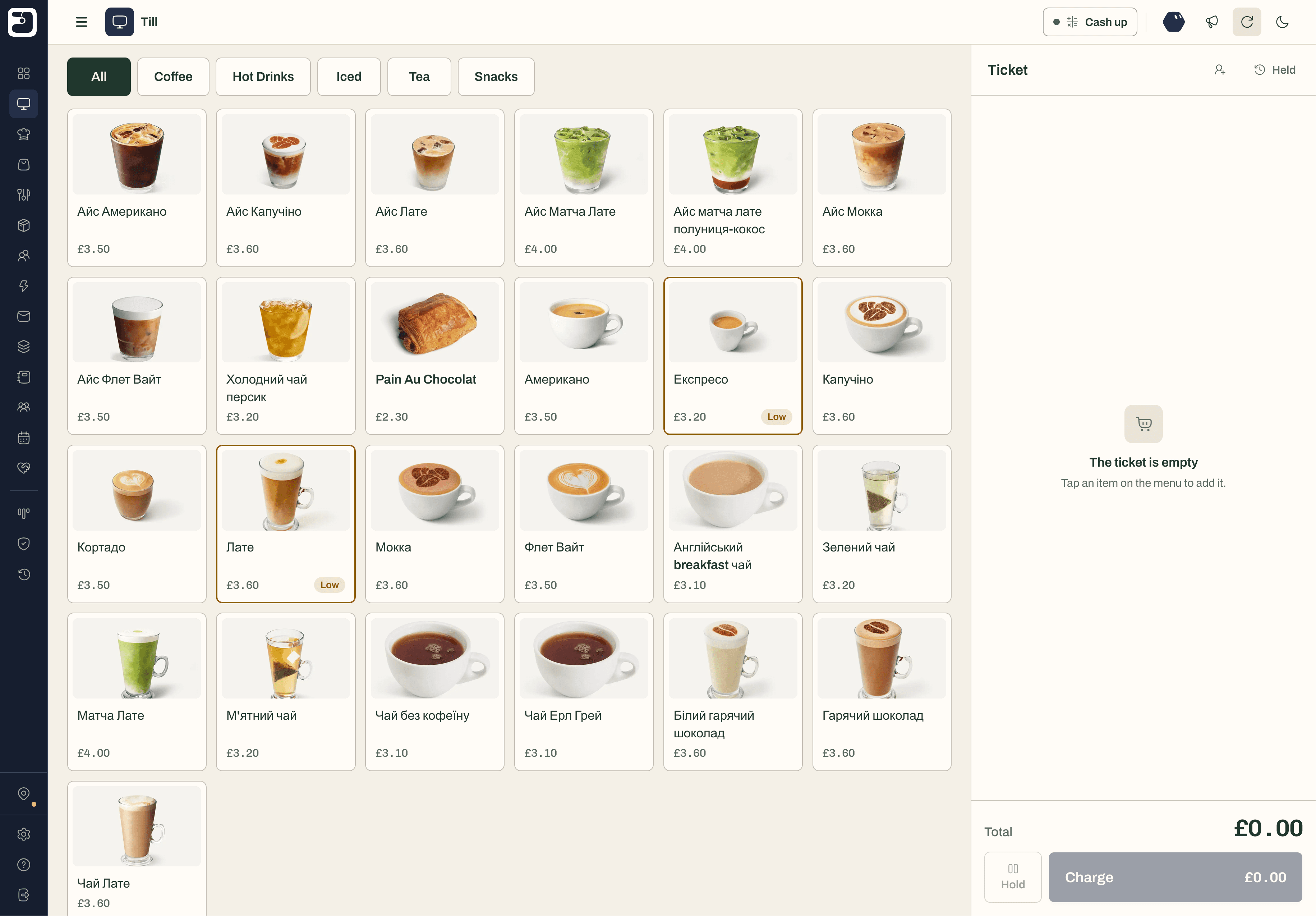
A till on any tablet, stock by size, colour and location, stocktakes and supplier orders, customers and loyalty — in one place, next to the card machine you have.
Free plan, foreverStock in every locationWorks offline
Customers
All locations
Orders
Today · Bridge Street
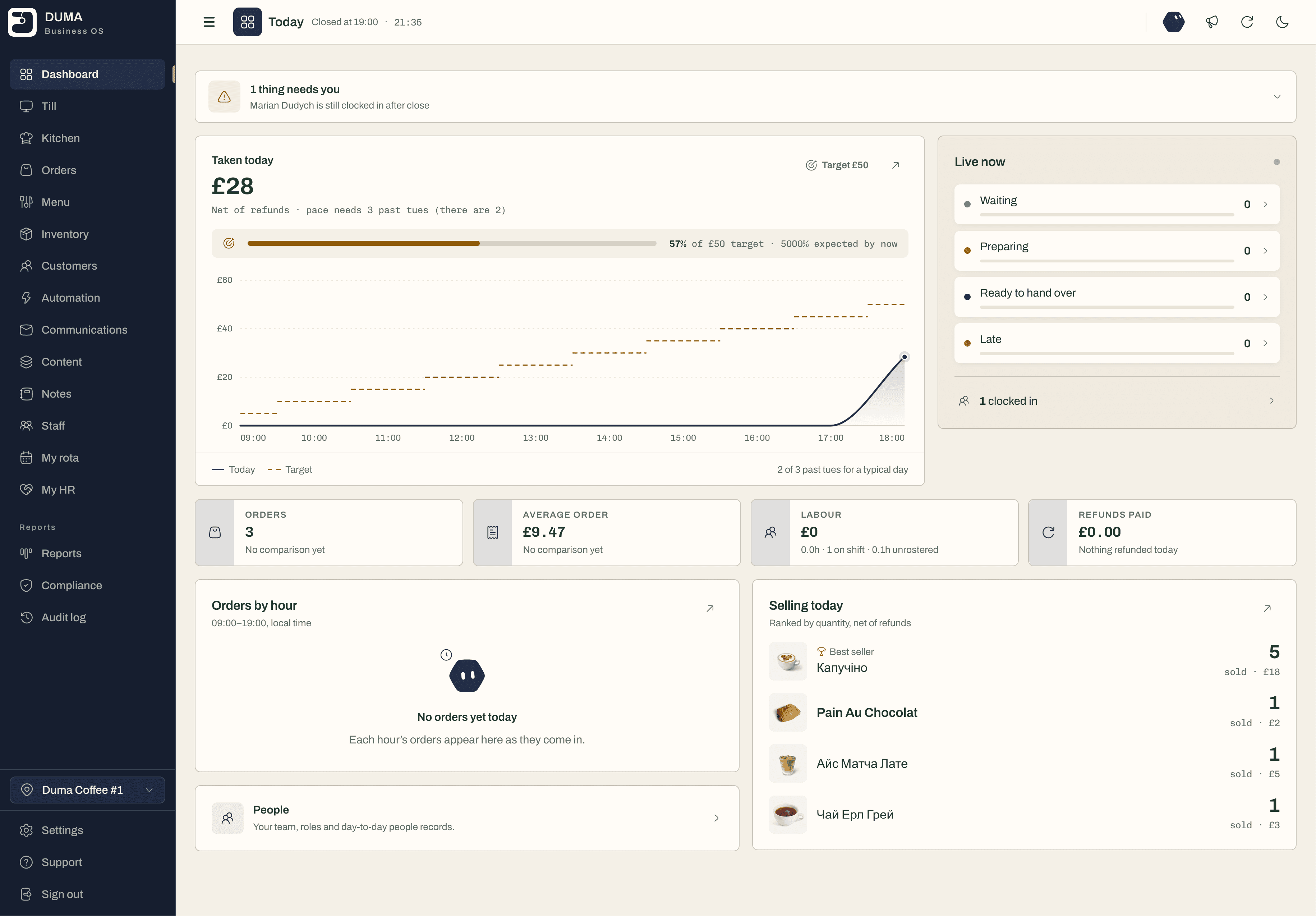
Every product, size and colour has its own count in each location. Every sale takes from it, and a transfer moves stock to the shop that’s selling it.
Linen overshirt
Shop + online
Counting stock once a year.
By stocktake day the numbers are fiction. In DUMA every sale updates stock, and a stocktake records what you count against what it expected.
Not knowing who your customers are.
A sale with no name can’t be thanked or invited back. Find the customer at the till, or scan the QR on their loyalty card.
Reordering by guesswork.
Too much of what doesn’t sell, too little of what does. Low stock is flagged as you sell, and purchase orders go to suppliers from DUMA.
Stock stuck in the wrong shop.
One shop sold out, the other has six. A stock transfer in DUMA moves them, and both counts stay right.
Discounts that never end.
A code shared once and used forever costs margin. DUMA’s promo codes have dates and limits, and are honoured at the till.
One workspace for the counter and the stock room: a till that sells anywhere, stock you can trust in every location, and customers who come back.
* free in full means it stays free with no limits. The names and figures in these cards are examples.
Linen overshirt
Shop + online
Priya Shah
4 visits · usually a chai latte
Sam Taylor
12 visits · usually an oat flat white
Loyalty
One more visit unlocks a free drink
Whether you run a gift shop, a deli, a boutique or a homeware store, these are the jobs DUMA takes off your list.
Start with the one you need most. The rest is already in the same workspace, with nothing to move when you’re ready.
Run a stocktake section by section. DUMA records what you counted against what it expected, and the difference.
Transfer stock between shops in a few taps, so the shop that’s selling a line never runs out while another holds it.
Search by name, phone or email, or scan the customer’s loyalty QR. Their history and rewards come with them.
Raise purchase orders from DUMA and check deliveries in against them, so stock goes up by what actually arrived.
Retail software should keep the till, the shelves and the customer list telling the same story. If stock only changes on stocktake day, it’s wrong for the other 364. If customers stay anonymous, you can’t invite them back.
Tell DUMA what you sell.
Products in a shop, with or without sizes and colours — answer a few questions at sign-up and DUMA switches on the parts that fit.
Bring in your products and stock.
Add products with their variants, prices and opening stock in each location. We’ll help you do it, for free.
Open the till.
Use any tablet or phone, keep your card machine, and take your first sale. Stock, customers and reports update from then on.
Three ways most small shops run. Here is what each one covers.
Good at taking payments. Variants, multi-shop stock and loyalty are often limited or extra.
Best forTaking payments, and not much more
Flexible — until the spreadsheet is a week behind the shelves and only one person trusts it.
Best forOne shop with a small range
Bring your products, sizes and stock across — we’ll help you set it up, for free.
Free plan, forever. No card needed.
Yes. Each location has its own stock and reports, you can see the whole business together, and stock moves between shops with a transfer.
Not product barcodes yet — products are picked by category on the till. The camera scans customers’ loyalty QR codes, to attach them to a sale.
Start a stocktake, record what you count, and DUMA compares it with what it expected. When you complete it, stock is set to what you counted.
Yes. A website built on DUMA’s storefront API shares the same stock and customers as the till. See DUMA for shops and online stores.
Yes. Square and SumUp connect to DUMA directly. With any other card machine, key the amount in and mark the sale as card — it still lands in your reports.
The till keeps taking sales. They are saved on the device and sent when the connection is back, and a sale that cannot be sent is kept for you to check.
Get started in minutes, completely free. No card required, and we’re here to help you every step of the way.