Sells through a dropped connection
free in fullWhen the Wi-Fi goes, the till says so: cash and card-machine sales save on this till and send when the connection returns. A counter shows how many are waiting.
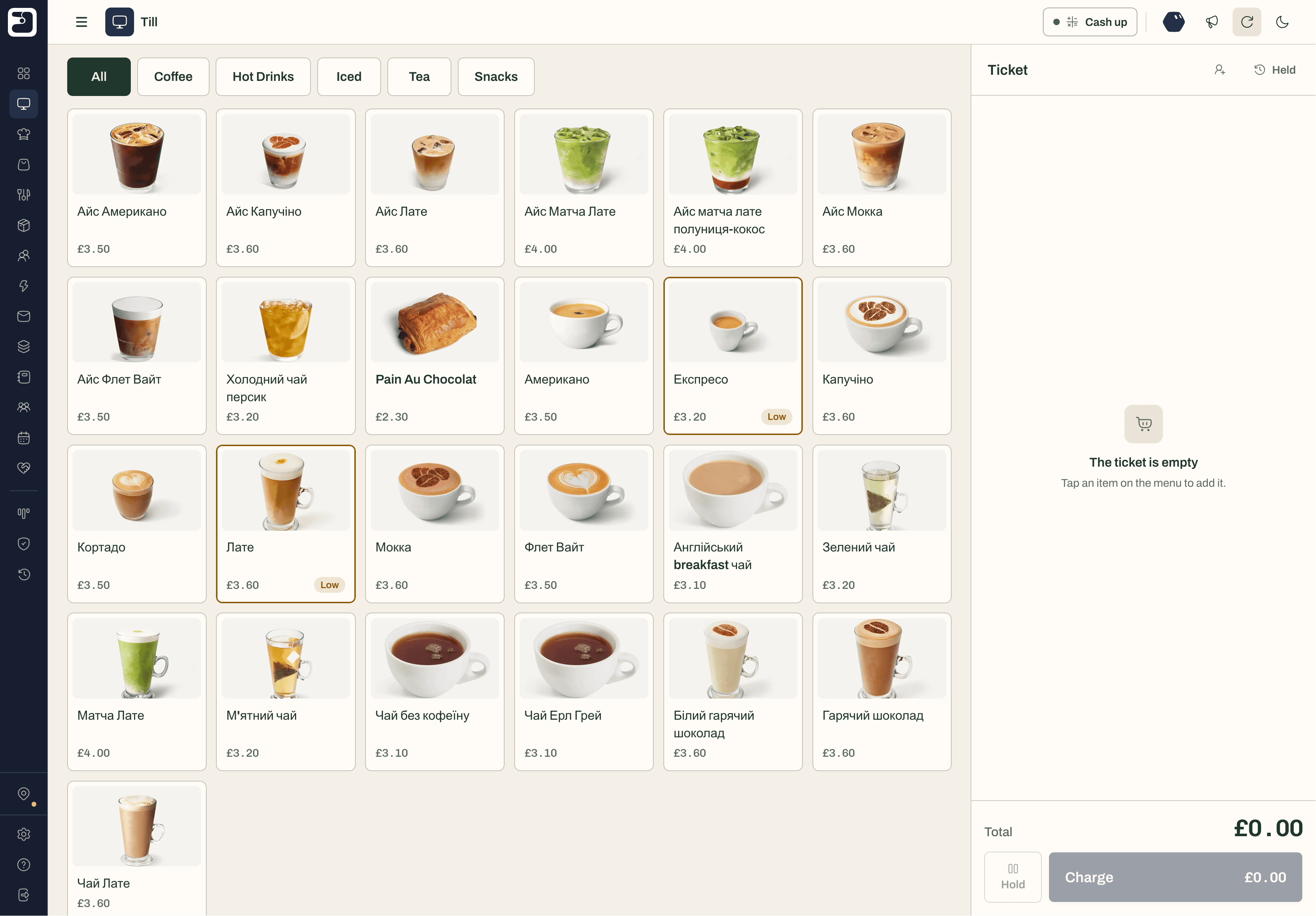
DUMA’s till runs in a browser on the tablet, phone or laptop you already have. When the internet drops, cash and card-machine sales are saved on the till and sent the moment it’s back. Nothing queued is thrown away.
Free in fullKeep your card machineAny device, no install
Most cafés and small shops lose the connection at some point: a router restarts, the broadband drops at the busiest hour, the pop-up has one bar of signal. A till that stops selling then costs you the queue.
An offline POS keeps taking orders, keeps each sale safe on the device, and sends it on its own when the connection returns, without staff having to remember anything. That is what DUMA’s till does for cash and card-machine sales, and it tells you exactly what is waiting.
The till is part of the free plan in full. These are the things it does today.
When the Wi-Fi goes, the till says so: cash and card-machine sales save on this till and send when the connection returns. A counter shows how many are waiting.
A queued sale is financial data. If the server is busy it retries; if the cashier’s sign-in has expired it waits for them; if the sale is refused it stays on the till with the reason and a Retry button.
Square Terminal and SumUp readers connect directly, so the till sends them the amount. Any other card machine works through the Card machine method: key the amount in, take the payment, and the sale is recorded.
Any tablet, phone or laptop with a browser. Install it to the home screen like an app. There is no DUMA hardware to buy.
Required choices such as size or milk are enforced as you build the order. Add a kitchen note, hold up to 12 tickets on the device, and undo a removed line.
Find a customer by name, phone or email, add a new one, or scan their loyalty QR code. Apply a reward on the ticket; points and stamps are earned when the order completes.
A completed sale takes its recipe’s ingredients off stock and feeds the margin and sales reports. Low and out-of-stock items can be flagged on the till.
Open the day with a float, then close it in four steps: check for held tickets and unsent sales, count the cash blind, enter the card machine’s total, and review. A difference of £1 or more needs a note.
Step by step, from the moment the connection goes to the moment every sale is in.
The till tells you it’s offline
A banner appears with the number of sales waiting. Card readers that need the internet are greyed out; Cash and Card machine stay available.
Each sale is saved on this device
Sales wait in this browser on this till. Keep the browser’s site data while sales are waiting, because that is where they are kept.
They send themselves when it’s back
As soon as the connection returns, and every 30 seconds after, DUMA sends the waiting sales from whichever DUMA screen is open. The till shows how many are sending, then lists the ones recently sent.
Anything refused is kept for you
If a sale can’t be accepted, for example because an item changed in the meantime, it stays on the till with the time it was taken, the reason and a Retry button. It is never deleted for you.
So you can decide with the full picture. Tell us if one of these matters to you: we add things on request.
Yes, for cash and card-machine sales. They are saved on the till while the connection is down and sent automatically when it returns. Card readers connected to DUMA, and promo codes, need a connection.
It is kept. A temporary problem is retried, an expired sign-in waits for the cashier to sign in again, and a sale the server refuses stays on the till with the reason and a Retry button. DUMA never deletes a queued sale for you.
No. The till runs in a web browser on any tablet, phone or laptop, and can be installed to the home screen like an app.
Any. Square Terminal and SumUp readers connect directly, so the till sends them the amount. Any other card machine works through the Card machine method: you key the amount into the machine and the sale is recorded in DUMA.
Yes. The till, orders and payments are part of the free plan in full, with no time limit and no card needed to sign up.
Yes, from the browser, once the sale has reached DUMA. Support for dedicated receipt printers and cash drawers is coming soon.
Start in minutes with no card needed. We’ll help you bring your menu across and connect your card machine.